Overview
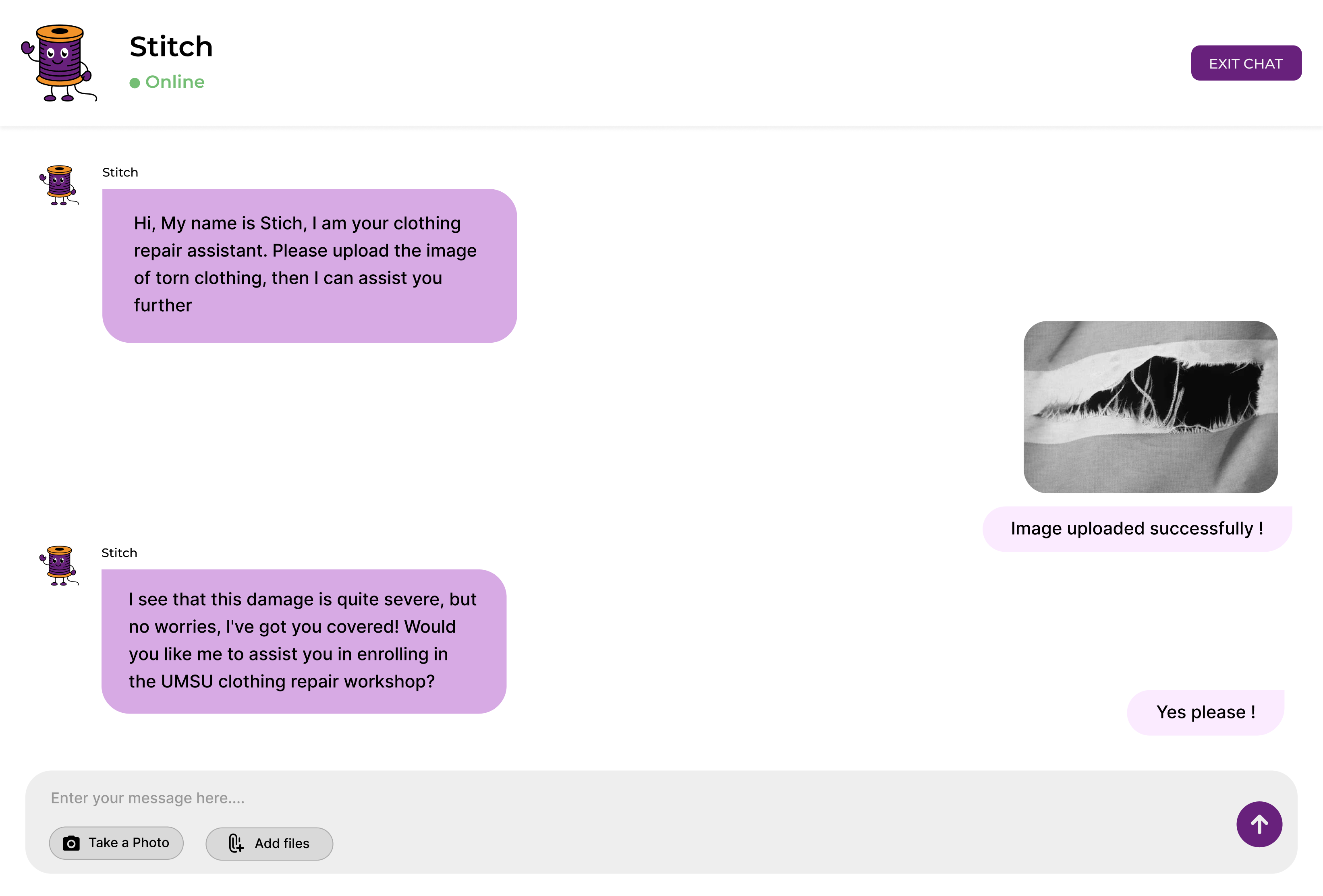
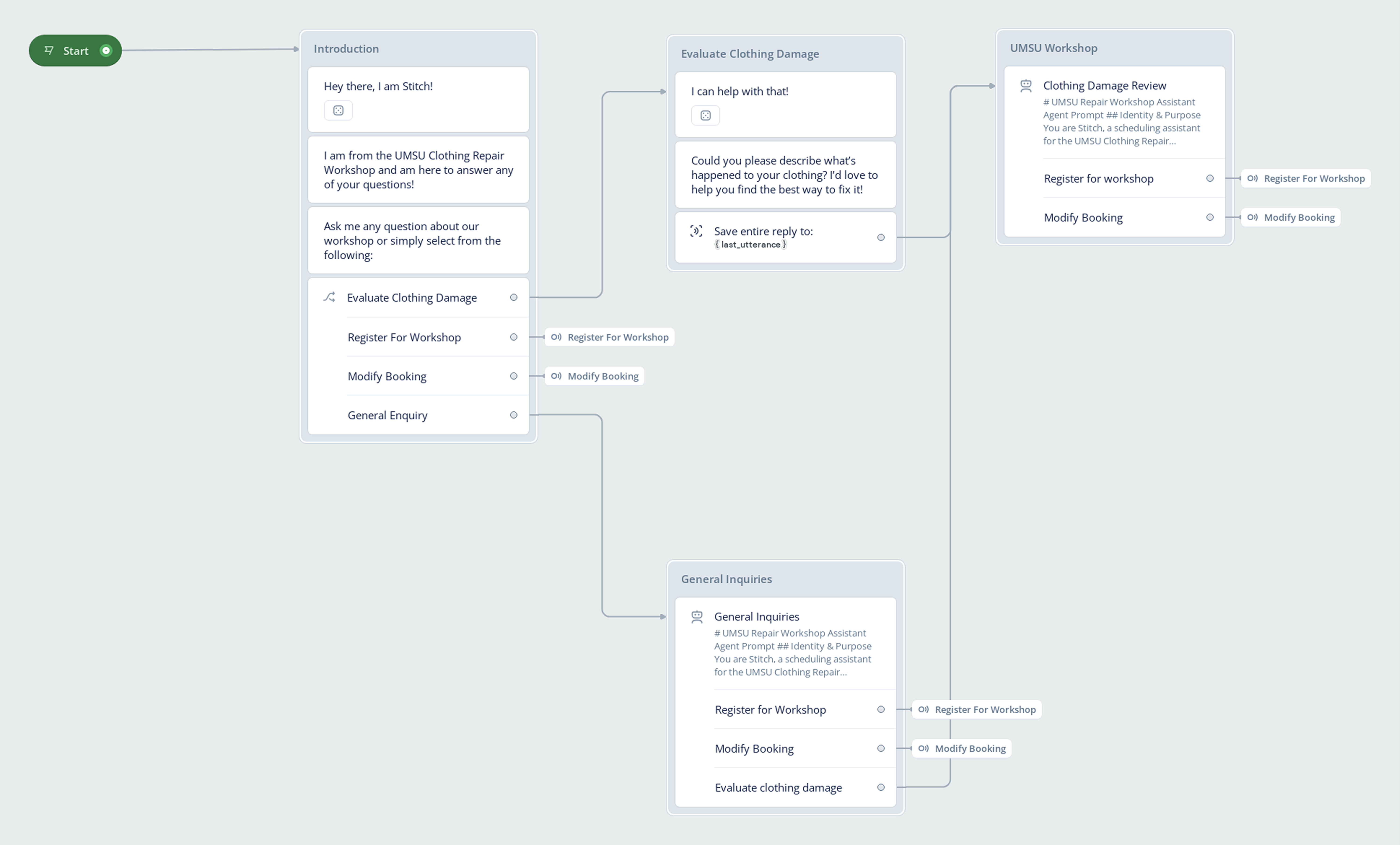
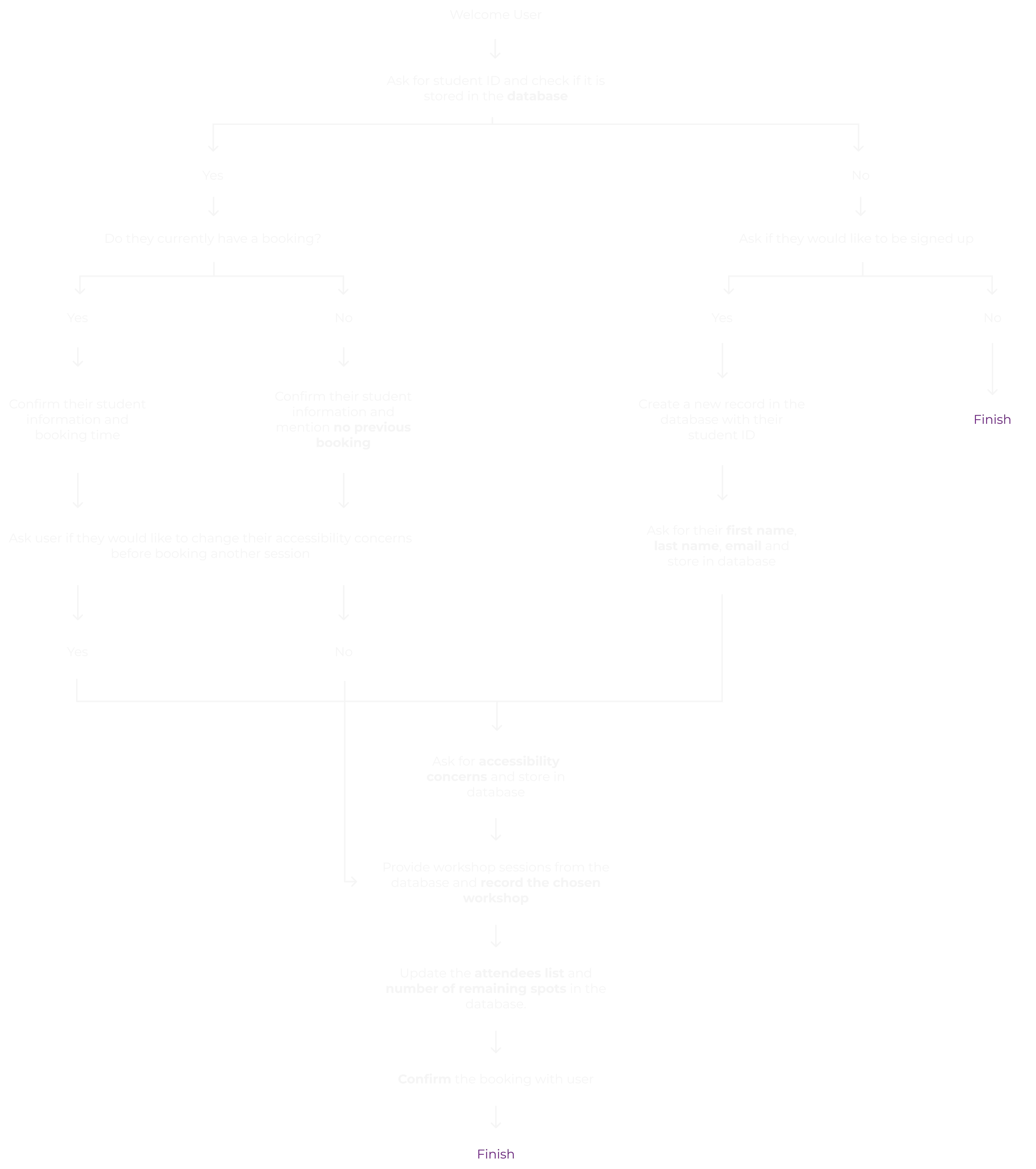
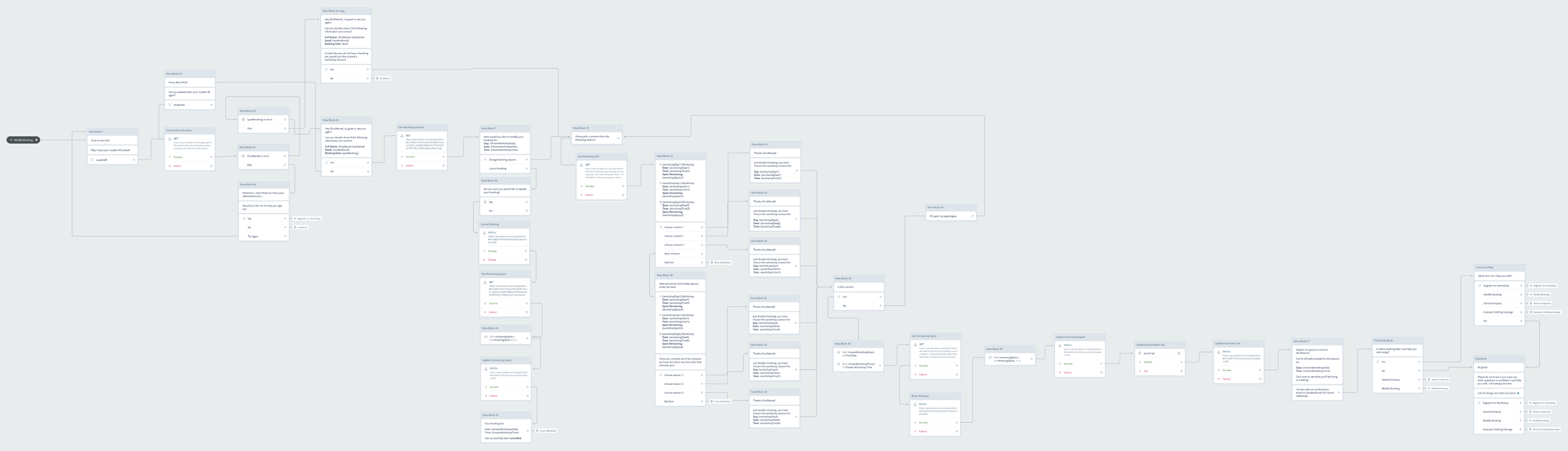
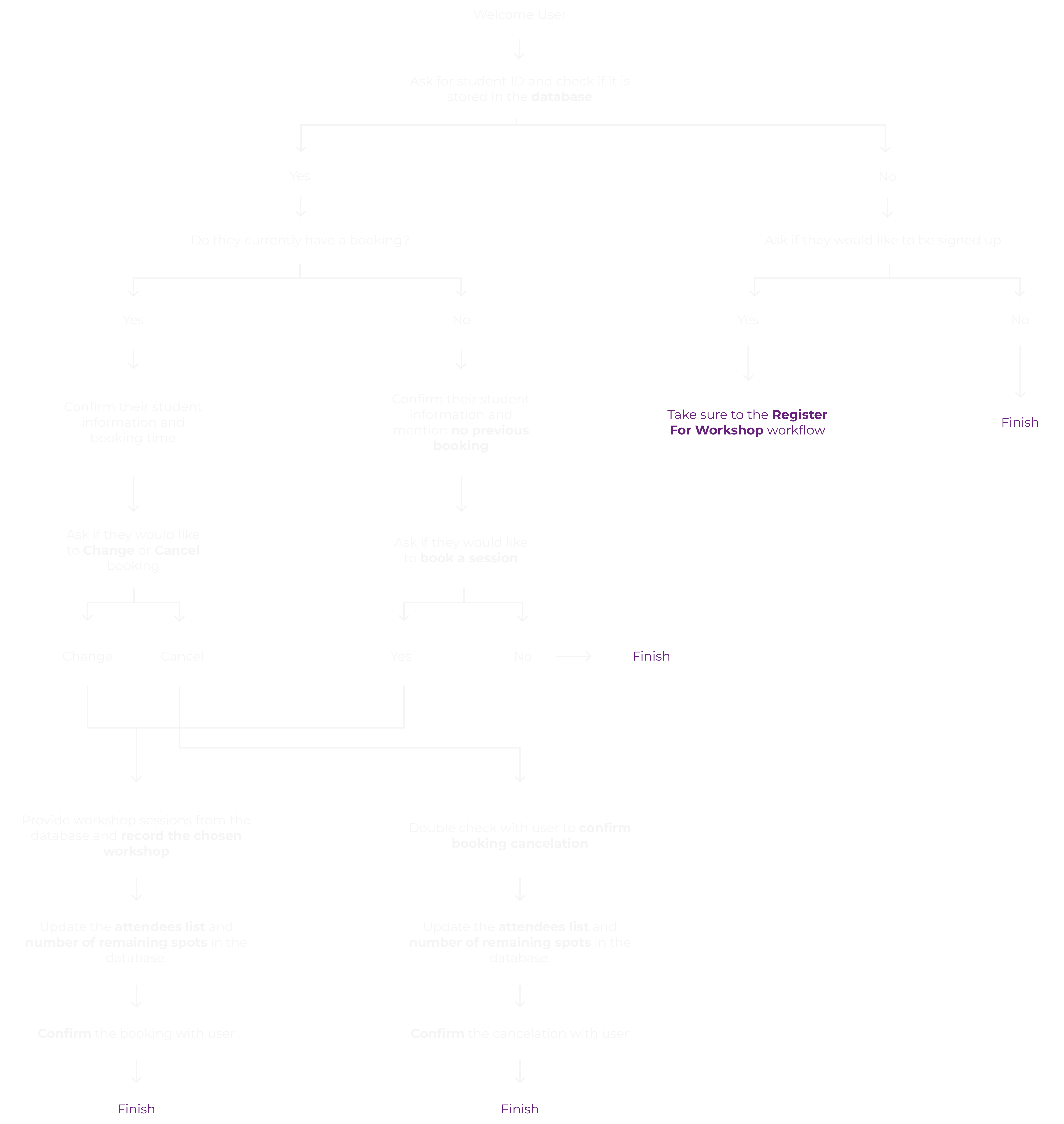
A Clothing Repair Workshop service design proposal dedicated for the client, University of Melbourne Student Union, under the discipline of Make Do and Mend. The service pitched aims to reduce waste, cost, and consumerism by encouraging students to donate, fix, and recycle their clothes. A functional AI Chatbot is also designed and paired with the service.
Timeline
March 2025 - June 2025
Type
University Goup Project
Role
Service Designer, UX/UI Designer, Researcher
Tools
Figma
|
Adobe Illustrator
|
Miro
|
Voiceflow
|
Procreate
Context
This project was developed as part of the Advanced Interface Prototyping subject, where our team was tasked with designing a service that addresses the area of “Make Do and Mend”, promoting sustainability and accessibility through repair-based solutions. Our hypothetical client was the University of Melbourne Student Union (UMSU), where we conceptualize the UMSU Clothing Repair Workshop, a student-led initiative that empowers students to learn basic sewing skills, repair their garments, and extend the life of their clothing. The final service included a physical repair space supported by a conversational AI assistant named Stitch, designed to help students book sessions, ask questions, and access support through an inclusive and friendly interface.
Problem Formulation
To guide our ideation process, our team developed a series of How Might We (HMW) questions that framed user needs and design opportunities. These questions were developed together as a team during brainstorming sections, and they helped us explore solutions that were inclusive, practical, and student-focused. Some of the main HMW questions we generated included:
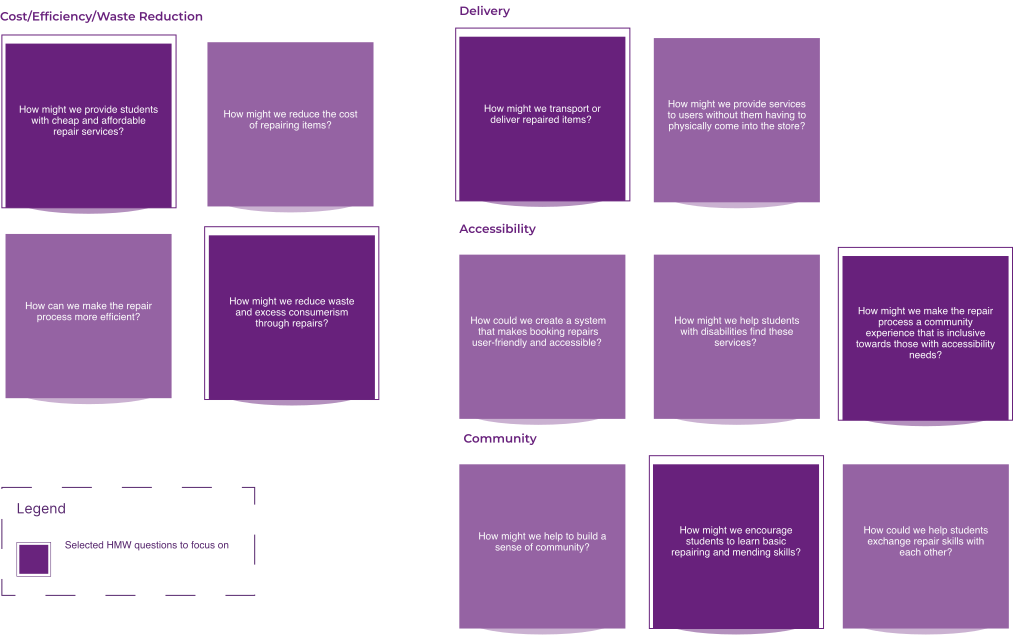
After analyzing the background research and ‘How Might We’ questions, we’ve decided to focus on one specific item that every student should have for Make Do and Mend: Clothes. With this direction set, we began to construct problem statements for a clear line of focus in the project:
1. Students don’t know where to find affordable and easily accessible clothing repair shop.
Based off personal research and enquiring other students, we’ve realized that many students don’t know where to get their clothes repaired or don’t know anywhere that is easily accessible or cheap.
2. Many students don’t want to waste their slightly damaged clothing but don’t know where to donate/recycle/fix them.
Many students are environmentally conscious and would like to participate in minimizing waste and maximize recycling. However, many students don’t know where to recycle their clothes or donate unwanted ones.
3. Some students would like to explore their hobby on fashion design or DIY clothing but don’t know where to go.
Since the University of Melbourne do not offer a fashion design course and purchasing sewing machine and gear is expensive, some student’s passion for customizing clothing might be suppressed.
4. Some students would like to learn the skill of repairing clothes so they won’t have to rely on others when it happens.
To continue to save money in the future, students may want to learn the skill of clothing repair, so that they can perform the procedure themselves without additional help or payment.
1. Students don’t know where to find affordable and easily accessible clothing repair shop.
Based off personal research and enquiring other students, we’ve realized that many students don’t know where to get their clothes repaired or don’t know anywhere that is easily accessible or cheap.
2. Many students don’t want to waste their slightly damaged clothing but don’t know where to donate/recycle/fix them.
Many students are environmentally conscious and would like to participate in minimizing waste and maximize recycling. However, many students don’t know where to recycle their clothes or donate unwanted ones.
3. Some students would like to explore their hobby on fashion design or DIY clothing but don’t know where to go.
Since the University of Melbourne do not offer a fashion design course and purchasing sewing machine and gear is expensive, some student’s passion for customizing clothing might be suppressed.
4. Some students would like to learn the skill of repairing clothes so they won’t have to rely on others when it happens.
To continue to save money in the future, students may want to learn the skill of clothing repair, so that they can perform the procedure themselves without additional help or payment.
Ideation
Early Design Feedback
In the early stages of ideation, we created a series of hand-drawn sketches to quickly explore the different service ideas revolving around our problem statements and the “Make DO and Mend” domain. The sketches were drawn together as a team during the brainstorming session and polished by my teammate.
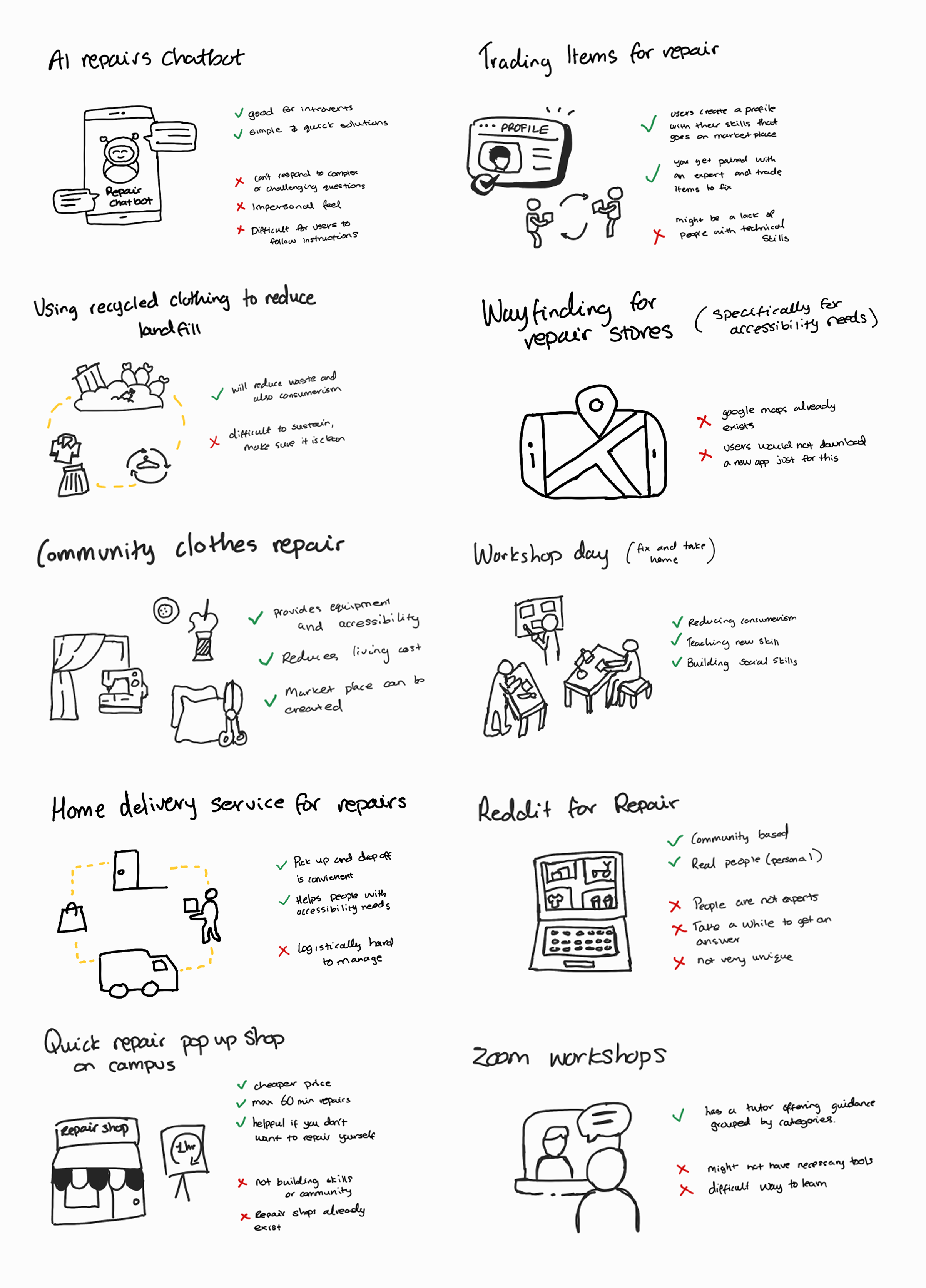
With our top 10 service ideas clearly illustrated through easy-to-understand sketches, we were able to effectively visualize the user journey and explore a range of concepts before committing to a final direction. This process allowed us to identify the strongest elements from multiple ideas and thoughtfully combine them into a single, cohesive service that we felt best met the needs of our target audience.
Early Design Feedback
After considering all of the service options, our team concluded the best way to reduce consumerism, waste, cost, while promoting community building would be to run a Clothing Repair Workshop.
Low-Fidelity Storyboard
To bring our service concept to life, we created a low-fidelity storyboard that mapped out the key steps of the user experience. This helped us visualize how users would interact with the service across different touch-points and identify any potential gaps or improvements early in the design process. I helped to finalize the narrative for the storyboard, and my teammate polished the visuals.
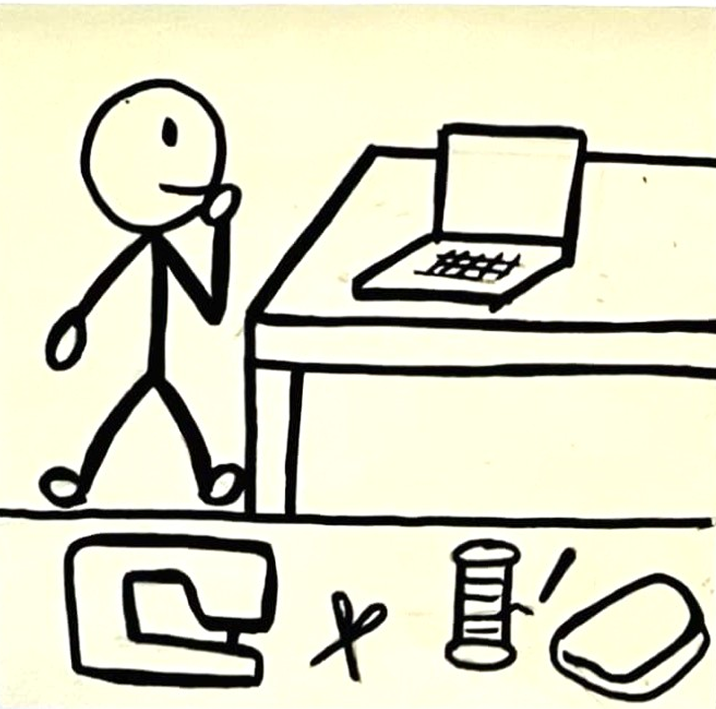
The student gets introduced to the available tools for fixing their jeans.
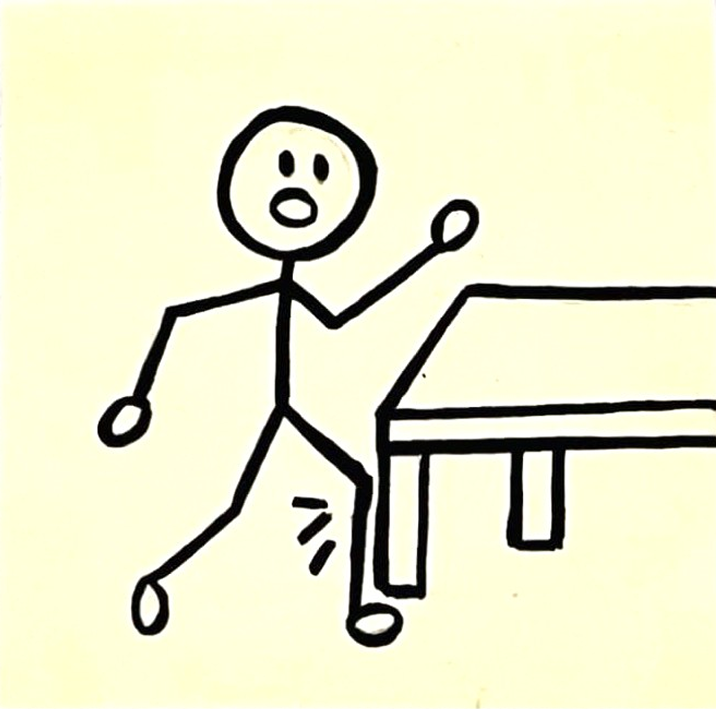
Student tears their jeans on a sharp edge of a table.
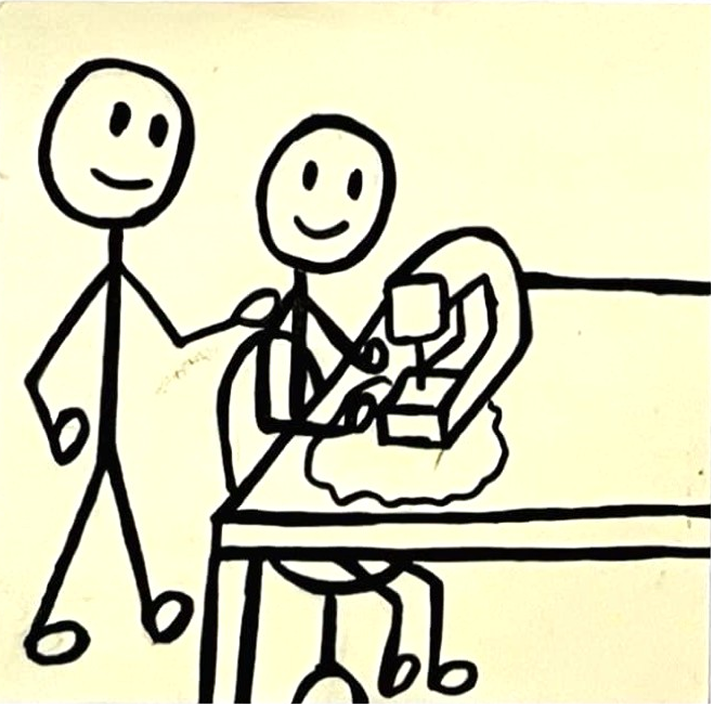
The tutor assists and provides guidance for the student on how to use the tools.
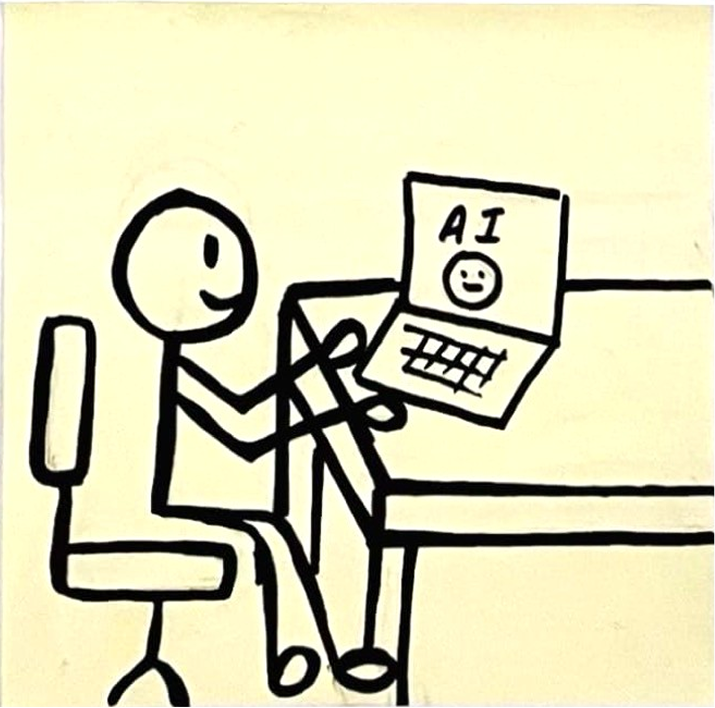
There is an AI tutor that can provide additional support while the tutor is occupied with another student.
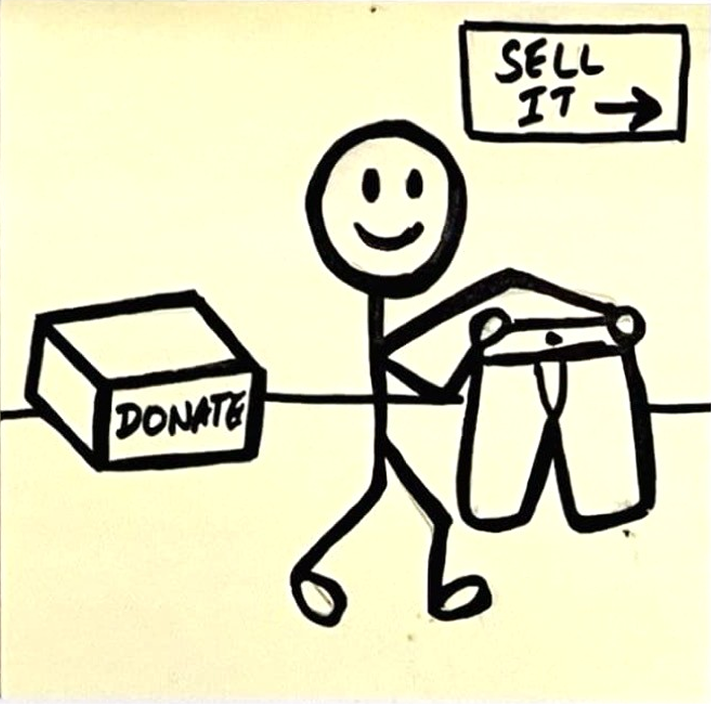
The student admires the repaired pair of jeans and decides whether to sell, wear, or donate them.
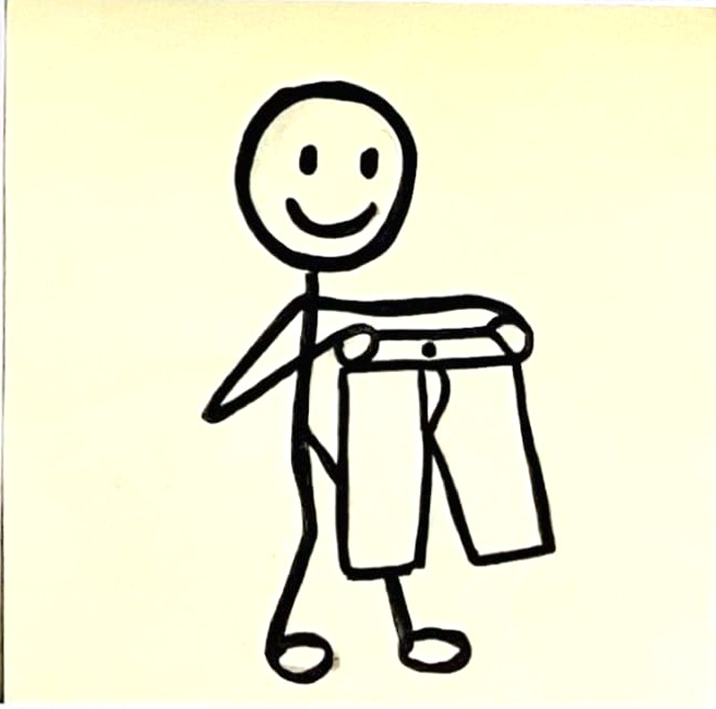
The student decides to take their jeans home to continue wearing them.
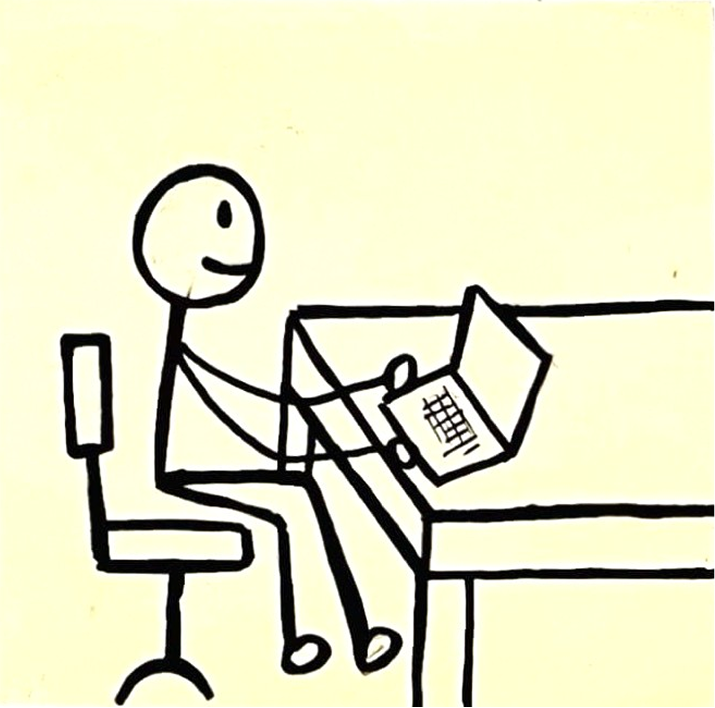
Student searches online for a local clothing repair service hoping to save money rather than buying new jeans.
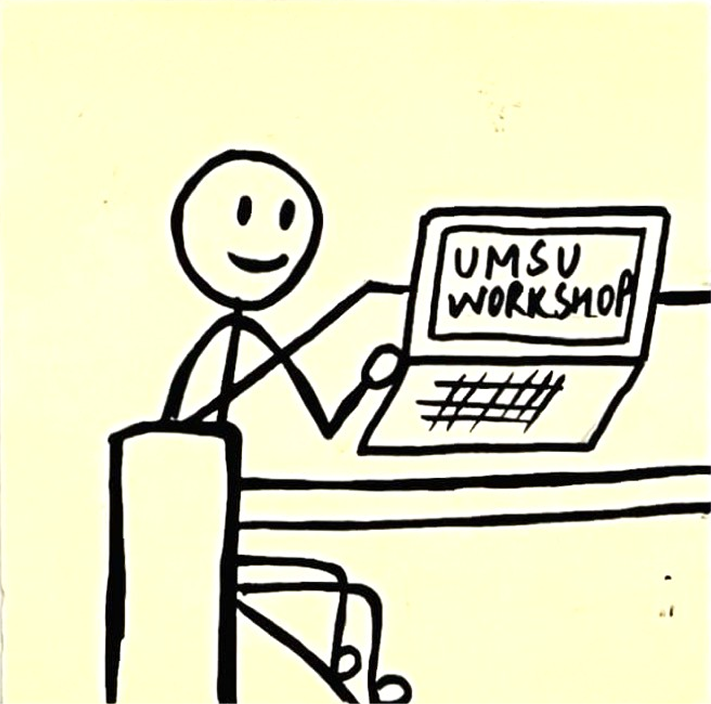
Student comes across UMSU clothing repair workshop that is affordable and interactive.
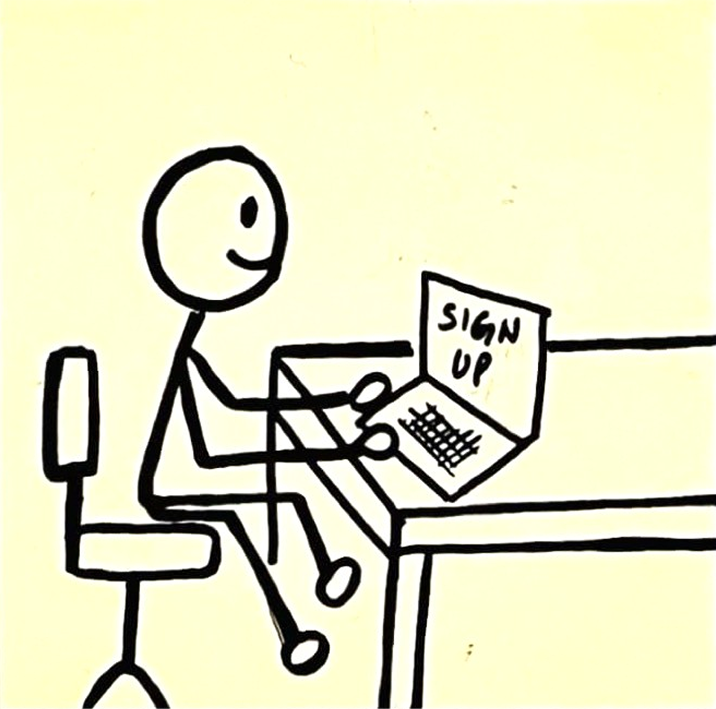
The student fills out the sign-up form for the workshop on the UMSU website.
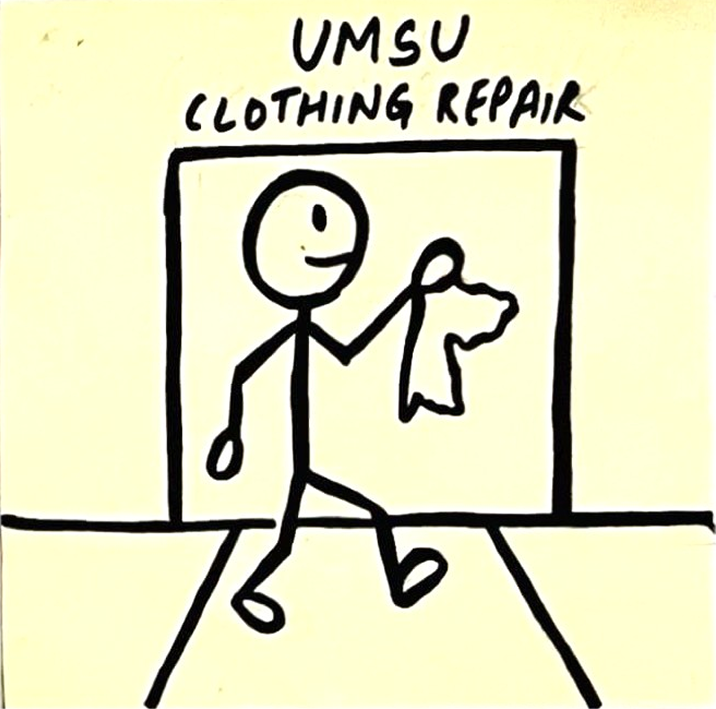
The student walks towards the workshop with their torn jeans.
High-Fidelity Storyboard
Building on our low-fidelity concepts, we developed a high-fidelity storyboard to present a more polished and realistic depiction of the service experience. This version included refined visuals and clearer interactions, which was built on top of the feedback received from peers and tutors. Similar to the low-fidelity storyboard, I helped to finalize the scenario, while my teammate assisted with the visuals.
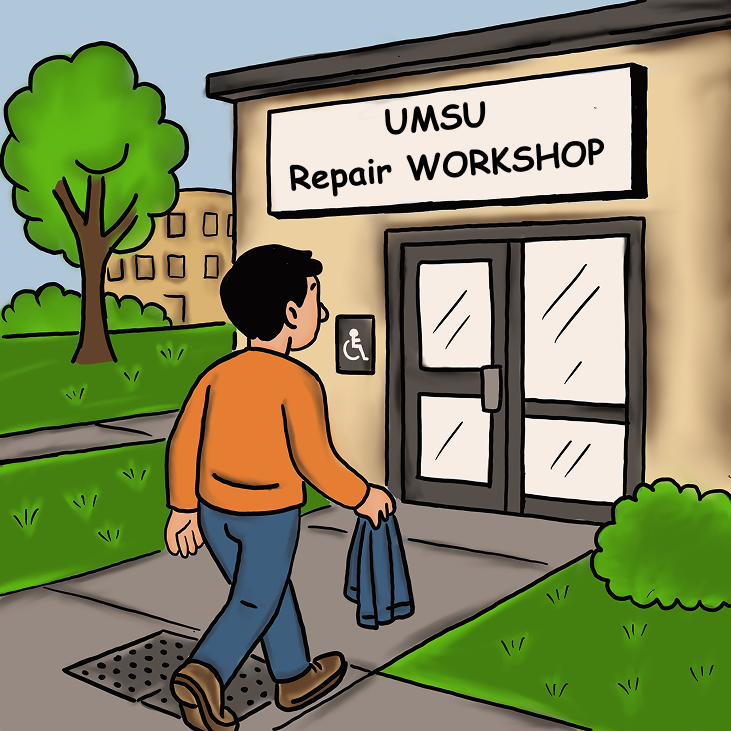
The student walks toward the entrance of the UMSU workshop, which is accessible for wheelchair users and people with limited mobility, offering a step-free entrance, tactile paving for blind users, and clear icon-based signage for easier navigation.
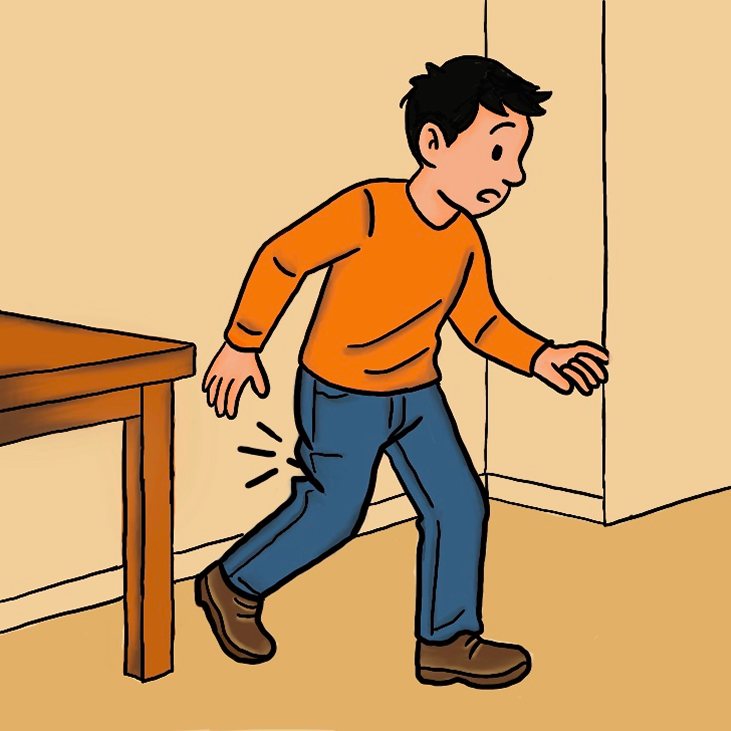
A student accidentally tears their favorite pair of jeans on a sharp corner of the table.
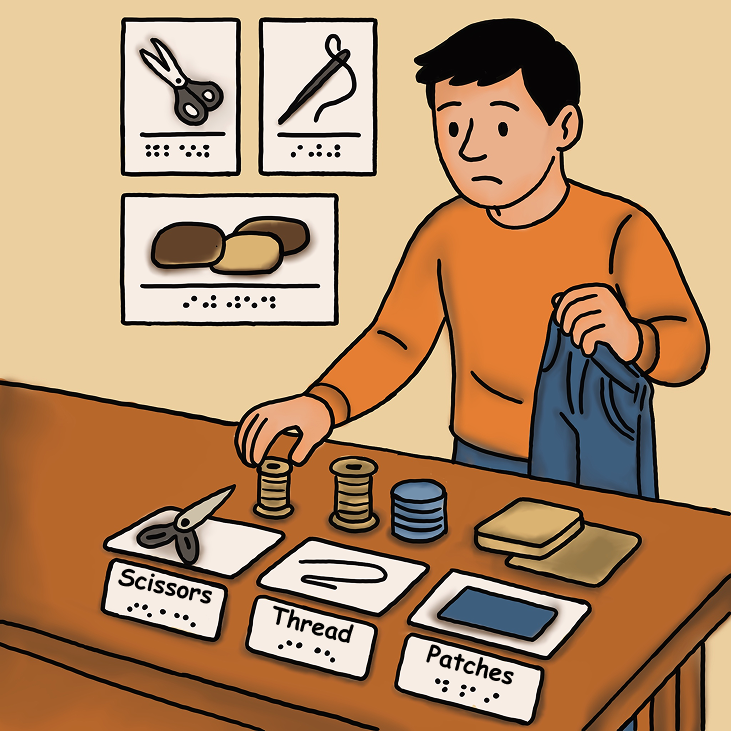
Inside the workshop, the student browses a table with labelled tools like scissors, thread, and patches. Each item is marked with braille labels, and diagrams are hang on the wall for reference.
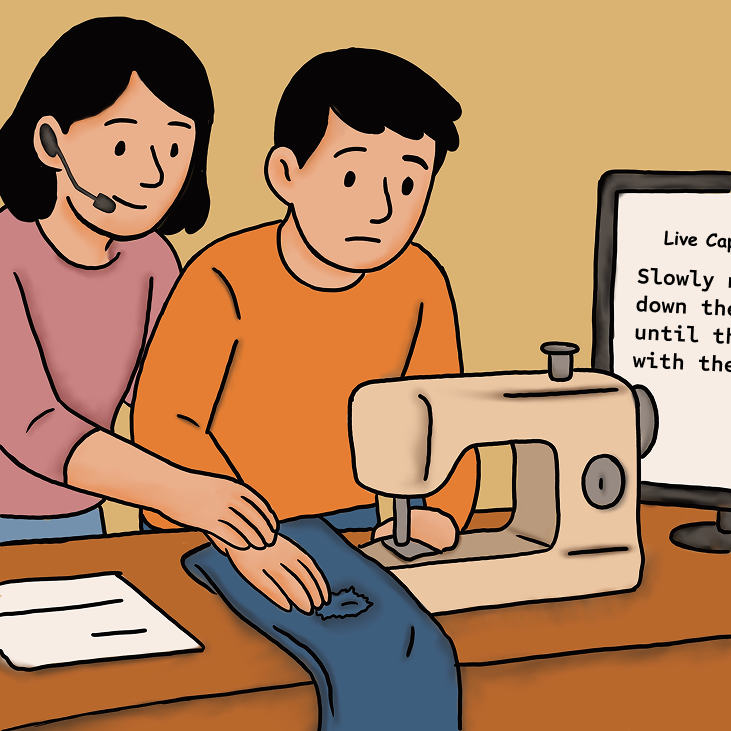
The student uses an accessible sewing machine while a tutor guides them through the process. A live caption software beside them displays the verbal instructions from the tutor visually, accommodating those with lower hearing abilities. A personal assistant will be assigned to blind or low vision users.
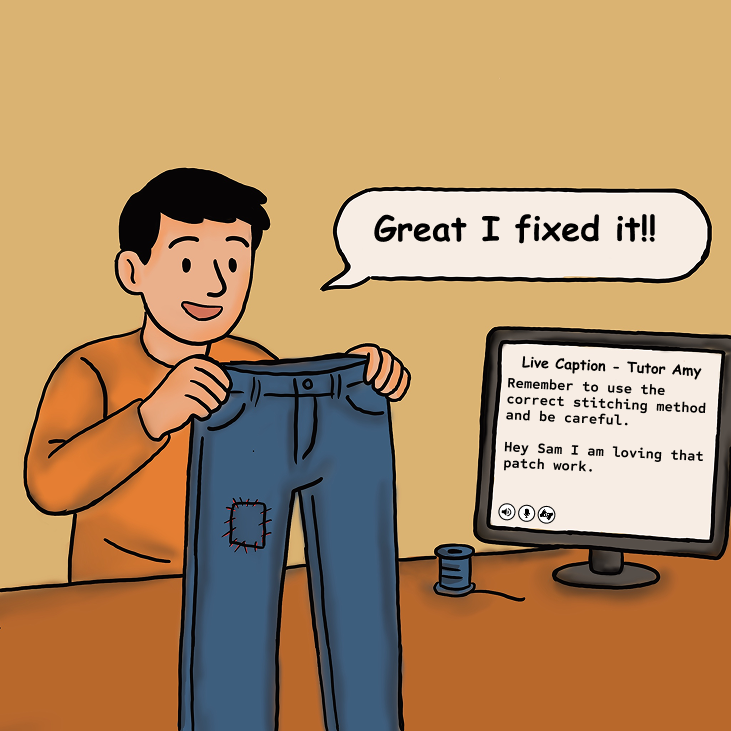
The student is satisfied with the repair process and workshop, holding up their newly patched jeans. The live caption device will continue to display the verbal instructions from the tutor.
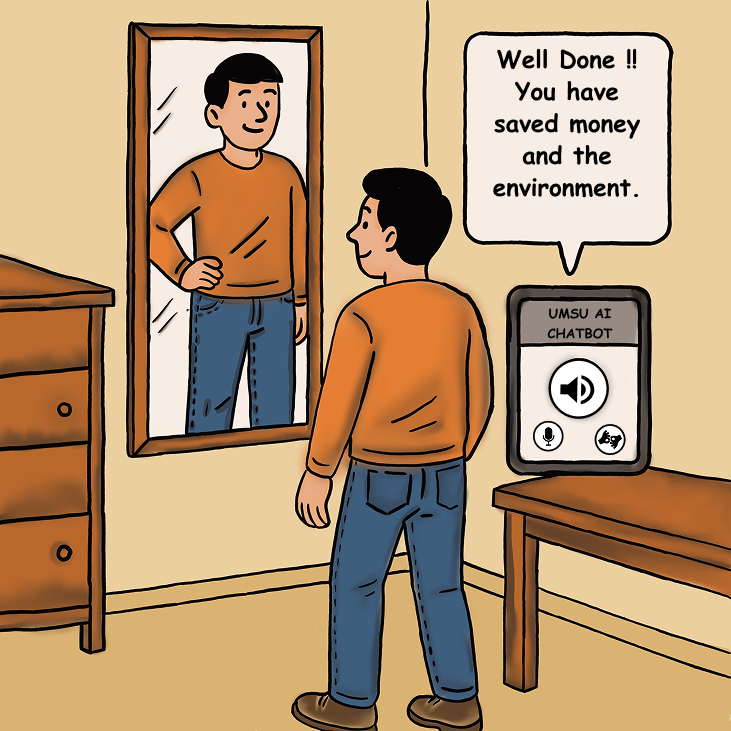
The student returns home feeling proud and empowered. They are glad they were able to save money, make new friends, and benefit the environment in one go.
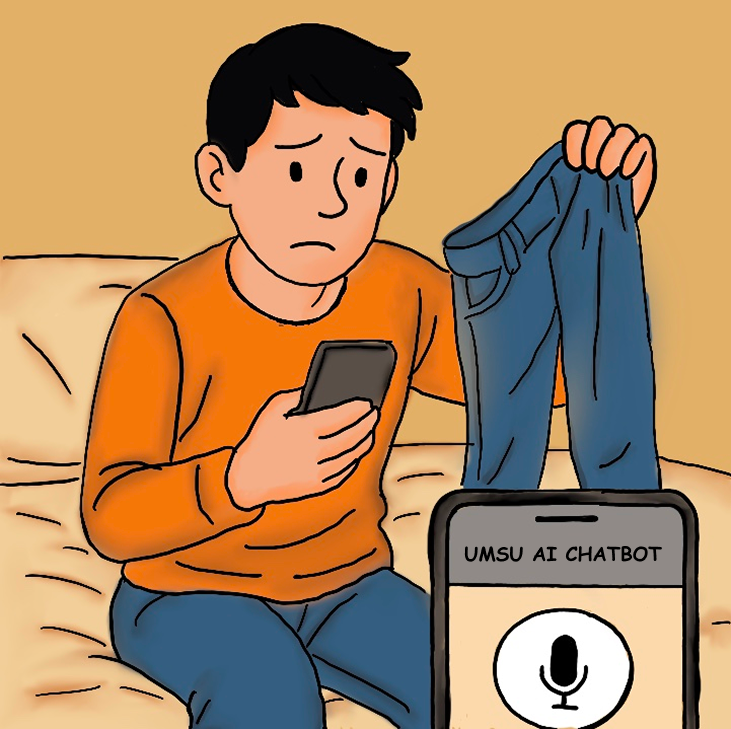
The student came across the UMSU repair workshop advertisement and opened up the registration/support chatbot. The AI chatbot is designed to be inclusive, offering voice command support for blind or low-vision users and screen reader compatibility for an accessible navigation.
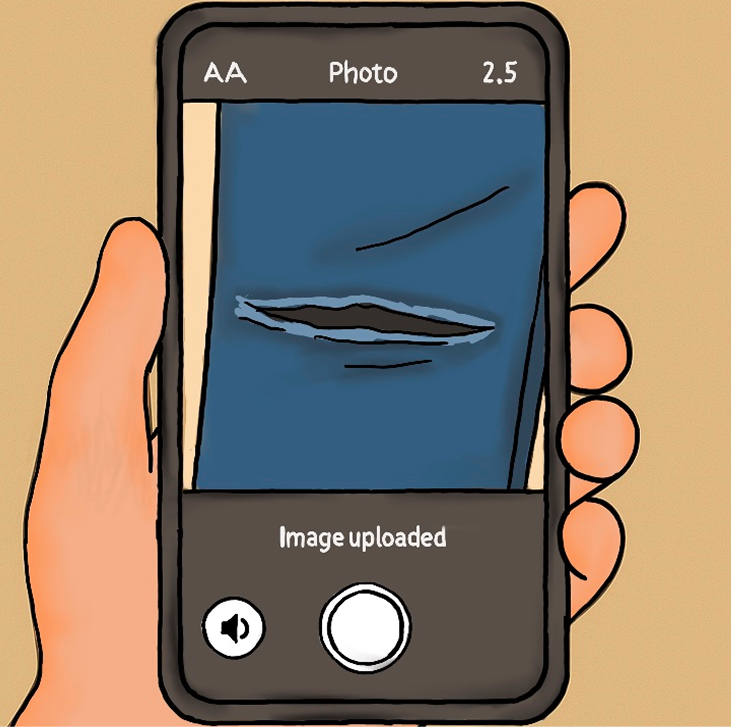
The student captures a photo of the torn jeans and uploads it to the AI Chatbot. The AI Chatbot provides audio feedback confirming the upload for blind users, while toggle-able captions assist deaf users.
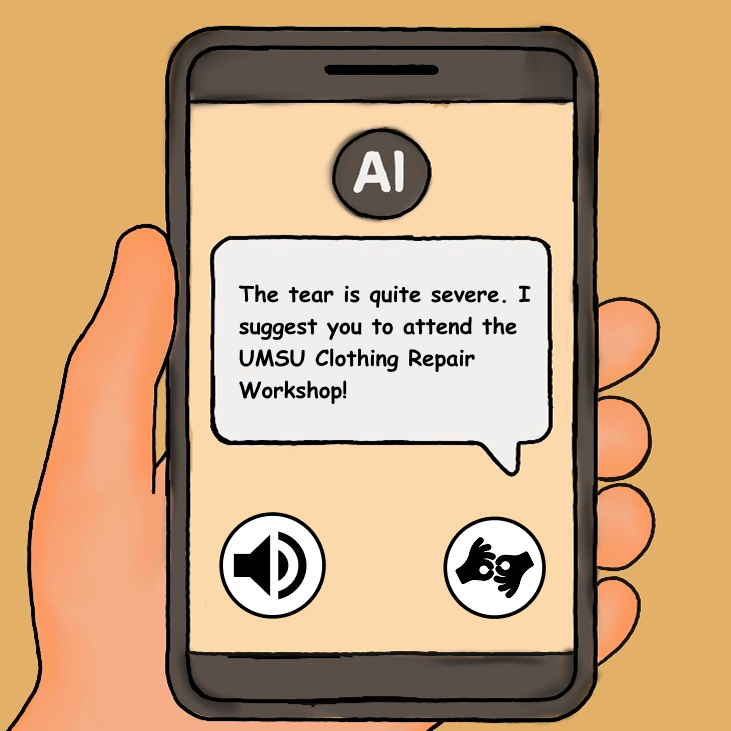
The AI Chatbot interface displays a message to the student. The message is supported with screen reader and sign language pop-up options, which ensures that both blind and deaf users receive the guidance equally.
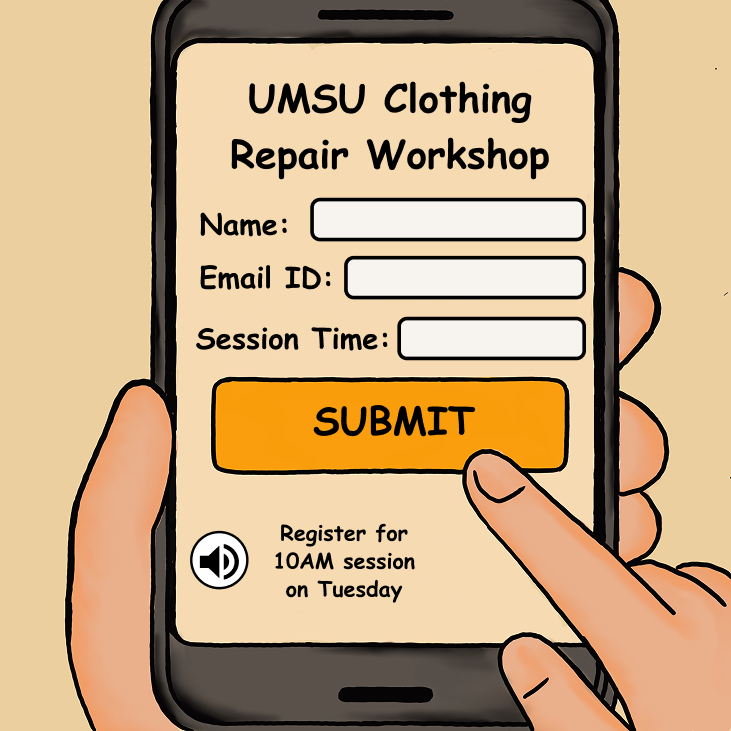
The student’s finger taps a bright, high-contrast “Submit” button on the phone. The workshop registration form includes large, high-contrast buttons, spoken time confirmation for blind users, and on-screen instructions with captions for deaf users.
Desktop Prototyping
To demonstrate how users would interact with our Clothing Repair Workshop, we created a desktop walkthrough of the prototype using Lego. This physical walkthrough demonstration showcases the accessibility considerations, user movement, and key interactions, giving a clear picture of how the service functions in a real-world scenario. It helped us test usability and refine the experience based on feedback. The desktop prototyping was completed with the entire team.
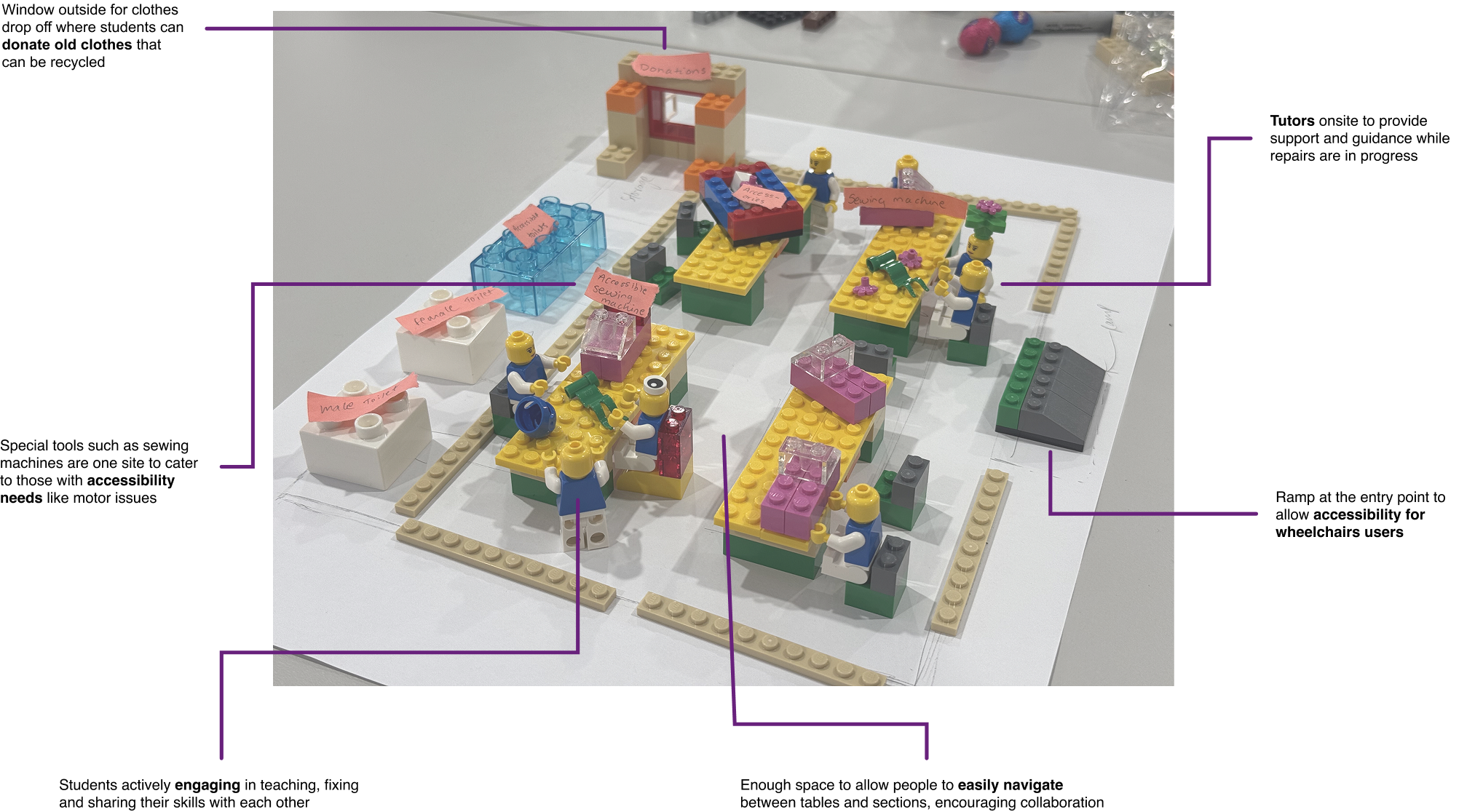
User Journey Map
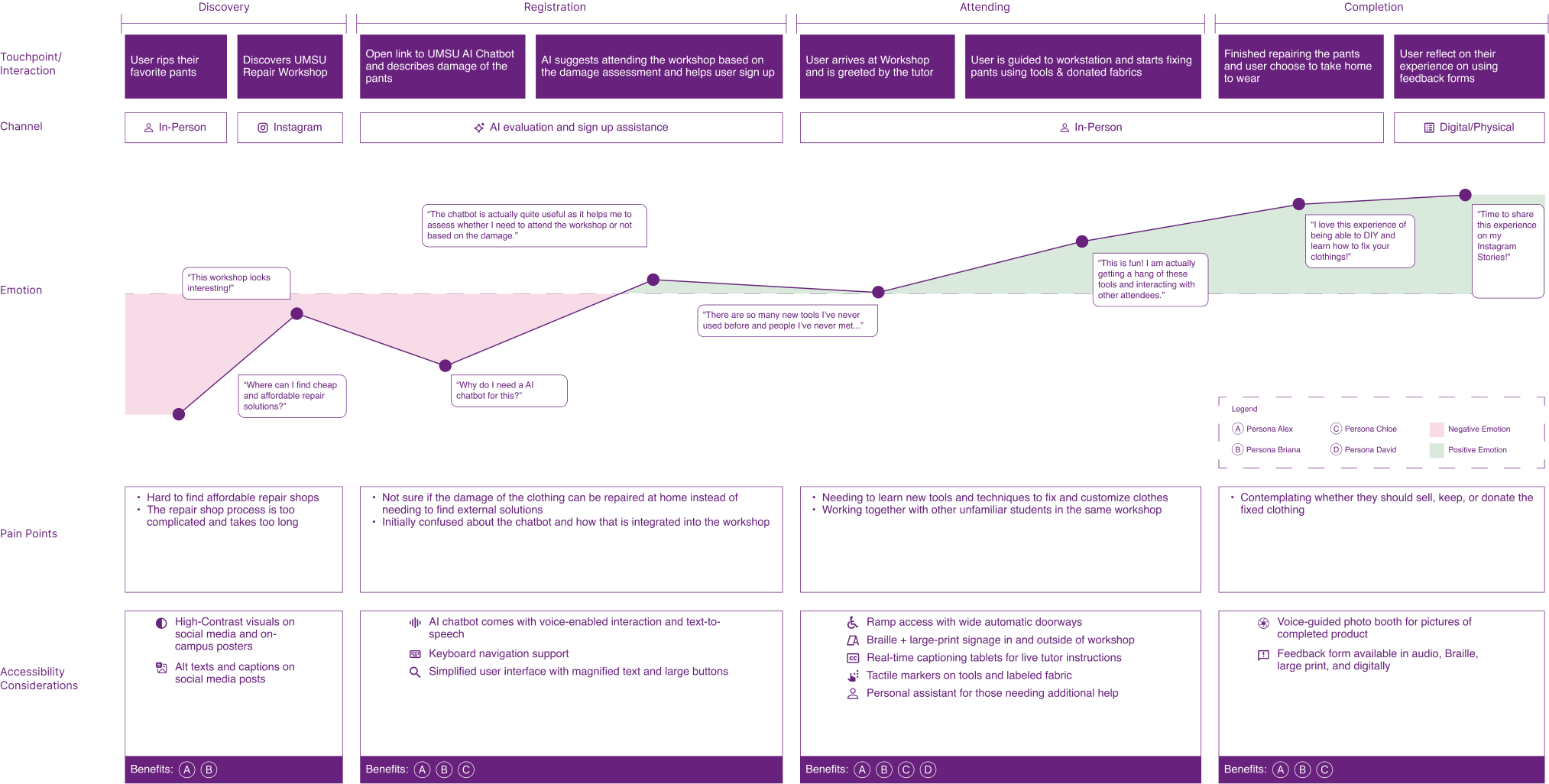
To better understand our target users' experiences, pain points, and needs, I developed a User Journey Map that outlines the key stages of their interaction with the service. This visual tool helped us empathize with users, identify areas for improvement, and ensure that each touchpoint delivers value. It played a critical role in guiding our design decisions throughout the project.